Guidesdisney-plus-star-vs-kids-profile
Disney+ Star vs kids profile: filter PG-13 and under
Why a kids profile is not enough once Star is in the mix — and a PG-13 include you can share.
Opens the filter with ratings already set. No account required.
Kids profile, Star, and search
A Disney+ kids profile hides a lot of the catalog at playback. The Star (or equivalent) catalog adds teen and adult ratings on the same subscription. Neither gives you a URL that means “Kids, PG, and PG-13 only” when you are searching before anyone sits down.
This Umami Rate preset is include mode on those three chips, service locked to Disney+. TV-14, R, TV-MA, and unrated titles drop out. It is the same filter as the PG-13 Disney+ guide, written for the Star-vs-kids-profile question.
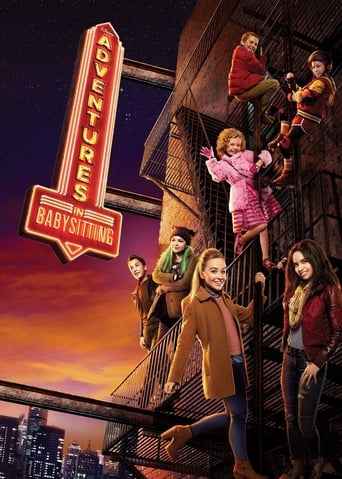

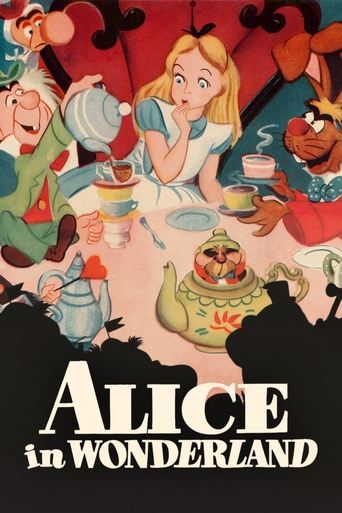





What this does not do
It does not turn Star off inside Disney+. It does not edit parental controls. If someone opens Disney+ directly on an adult profile, Star titles can still play. Pair this search with Disney+ profile pins if you need playback locks.
How to use it
Open the filter set, search, and share the link. If the room is preschool, switch to kids-only. If you also have Hulu on the bundle, add Hulu in the service bar after you open the app.
FAQ
- Does this disable Star?
- No. It only hides titles outside Kids, PG, and PG-13 in Umami Rate search.
- Should I still use a kids profile?
- Yes, if you need playback restrictions. This guide is for picking a title, not for replacing Disney+ PIN controls.
Want this filter in your inbox?
Leave your email. We'll send a link you can share tonight, and write when there's news.
Get updates