Guideshulu-kids
Hulu kids filter: G, TV-Y, TV-G, and TV-Y7 only
Include Kids only on Hulu so younger viewers are not mixed into the general catalog.
Opens the filter with ratings already set. No account required.
Hulu is not a kids app
Hulu’s homepage is built for the household adult profile: prestige series, late-night comedy, and movies that sit well above a preschool rating. Kids profiles exist, but they live inside one account. They do not help when you are searching from a laptop, sharing a TV with mixed ages, or comparing what is on Hulu versus another app tonight.
Umami Rate filters the discovery list before you pick something. This preset uses include mode on the Kids chip and locks the service to Hulu, so PG-13, TV-14, R, and TV-MA drop out of the list you see.






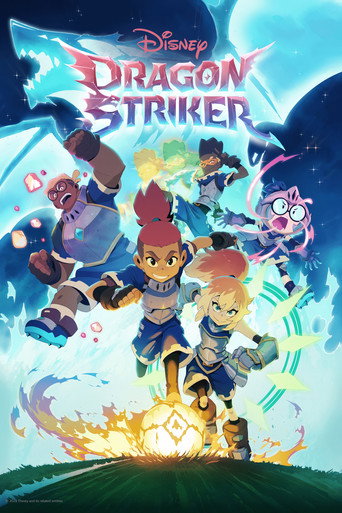

What this preset does
Include mode is stricter than exclude. Only titles we map to G, TV-Y, TV-G, or TV-Y7 stay in. Unknown or NR ratings disappear too, which can hide a gentle title until TMDB has a rating we recognize. That is the tradeoff for a hard kids ceiling.
TV-Y7 can still include action and mild scare moments. Skim the title detail before you press play. If the list is too small, clear the service lock or switch to exclude R and TV-MA instead.
How to use it
Open the preset, confirm the Kids chip and Hulu are on, then search or browse. Share the URL with a caregiver so they do not have to rebuild the filter on a phone. No account is required.
FAQ
- Does this change my Hulu kids profile?
- No. Umami Rate does not log into Hulu. It only filters the list we show you.
- Is PG included?
- No. This preset is Kids only. Add PG in the app, or use the babysitter-night guide, if you want that range.
Want this filter in your inbox?
Leave your email. We'll send a link you can share tonight, and write when there's news.
Get updates