Guidesfamily-night
Family night across every streamer: exclude R and TV-MA
Exclude R and TV-MA across all services — a living-room preset when you have not picked a streamer yet.
Send this filter — don't rebuild the chips on their phone.
Opens the filter with ratings already set. No account required.
Pick the title, then the app
Family night often starts with “what can we watch?” not “which subscription should we open?” Each service has its own kids row and its own maturity labels. None of them search the others. You end up bouncing between apps and still catching an R-rated thumbnail in autoplay.
This Umami Rate preset excludes R and TV-MA with no service lock. Results can come from any provider we list. You see where a title streams, then open that app. It is the same rating rule as the kid-safe Netflix guide, spread across the catalog instead of one subscription.
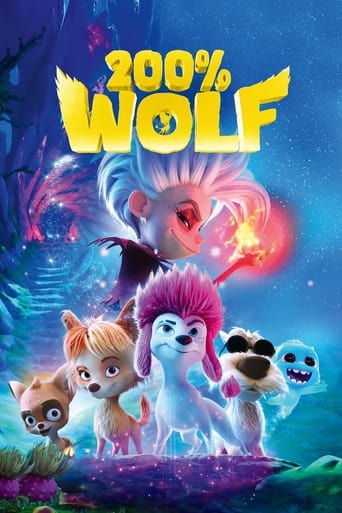



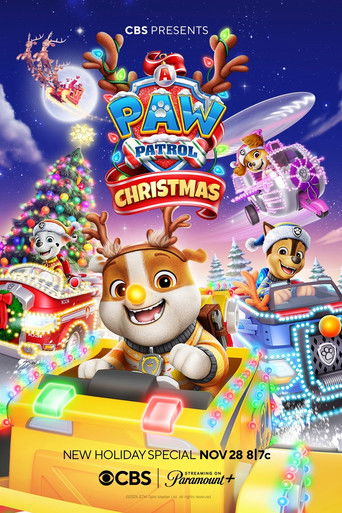
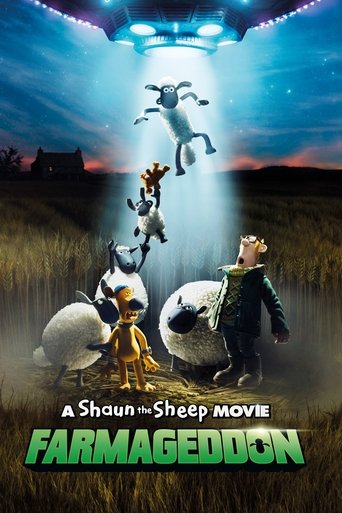

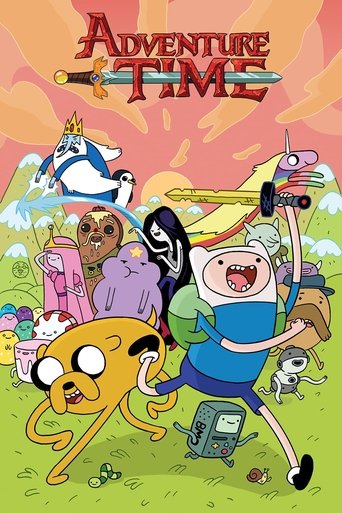
What to expect
Exclude mode keeps PG-13, TV-14, and kids ratings in play. That matches a mixed-age room where teens and adults share the couch but nobody wants TV-MA as the surprise. If the room is younger, jump to kids-only (include Kids) or the Disney+ PG-13 guide.
Availability differs by country and bundle. A title that passes the rating filter may still be missing from your subscriptions. Use the service badges on each result, and add or remove services in the bar when you already know which apps are logged in on the TV.
Share the night’s rules
Copy the URL after you tweak genres or services so everyone is looking at the same list. You can run the filter without an account. Save it in the app if this is the household default every Friday.
FAQ
- Which services are searched?
- All services Umami Rate knows about, until you narrow the service bar. Netflix, Disney+, Hulu, Prime, Max, and others appear when TMDB lists them for a title.
- Is PG-13 excluded?
- No. Family night keeps PG-13 and TV-14. Use the Disney+ or kids-only guides for a lower ceiling.
Want this filter in your inbox?
Leave your email. We'll send a link you can share tonight, and write when there's news.
Get updates