Guidestv14-for-teens
TV-14 ceiling for teens: series without R and TV-MA
Browse series while excluding R and TV-MA. Share the link with household members.
Opens the filter with ratings already set. No account required.
A ceiling, not a babysitter
TV-14 is the rating many households treat as the teen default: conflict, language, and themes that are not preschool, but not the same as TV-MA. Streamer kids profiles often jump from “kids” to “everyone,” which either blocks too much or lets TV-MA through. This preset is a middle setting you can send as a link.
Media is locked to TV so movie R-ratings do not clutter a series hunt. Exclude mode drops R and TV-MA. TV-14, TV-PG, Kids, and similar chips can still appear. You can add a service if tonight is only Netflix, or leave services open to search across apps.

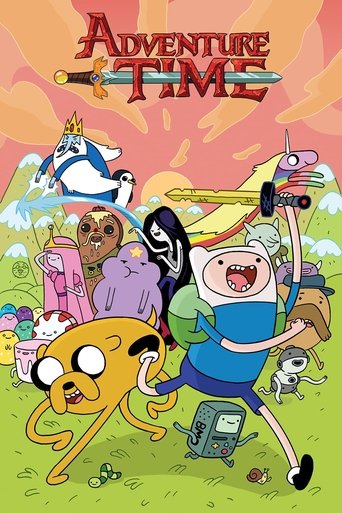
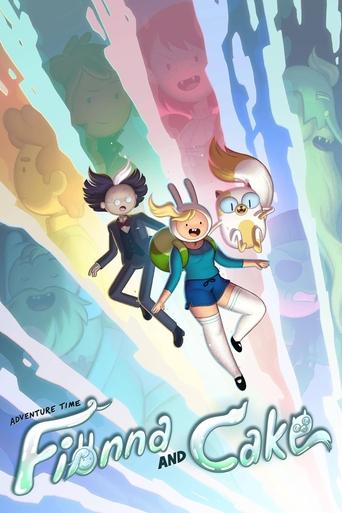
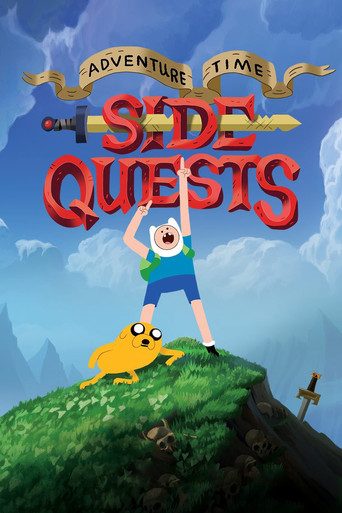
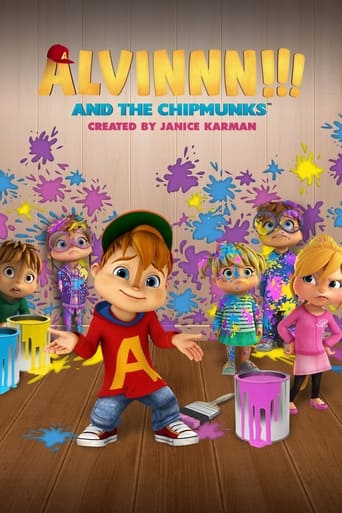



What still gets through
TV-14 is not mild by default. Individual episodes can be heavier than the series rating suggests, and TMDB ratings can be missing or mapped to NR. Use the title detail pane to read the listing before you start a new show. If your rule is “no TV-14 either,” exclude that chip too, or switch to include mode with Kids, PG, and TV-PG only.
Sharing matters more than saving for this use case. A teen, a co-parent, or a babysitter can open the same URL and see the same ceiling without creating an account. You can also save the filter in the app after you sign in.
How to run it
Open the preset, search a series name or browse, and keep an eye on the rating column. Narrow by genre if you are hunting comedy vs. genre drama. If a title is in the wrong bucket, the chips are editable — the deep link is a starting point, not a lock.
FAQ
- Are movies included?
- No. This preset is TV-only. Remove the media filter in the app if you want films under the same R / TV-MA exclude rule.
- Is TV-14 itself excluded?
- No. TV-14 stays in the results. Exclude TV-14 as well if that is above your household ceiling.
Want this filter in your inbox?
Leave your email. We'll send a link you can share tonight, and write when there's news.
Get updates